
AI Employee in Metanow CRM: Automate Calls, Chats & Workflows
What is the AI Employee?
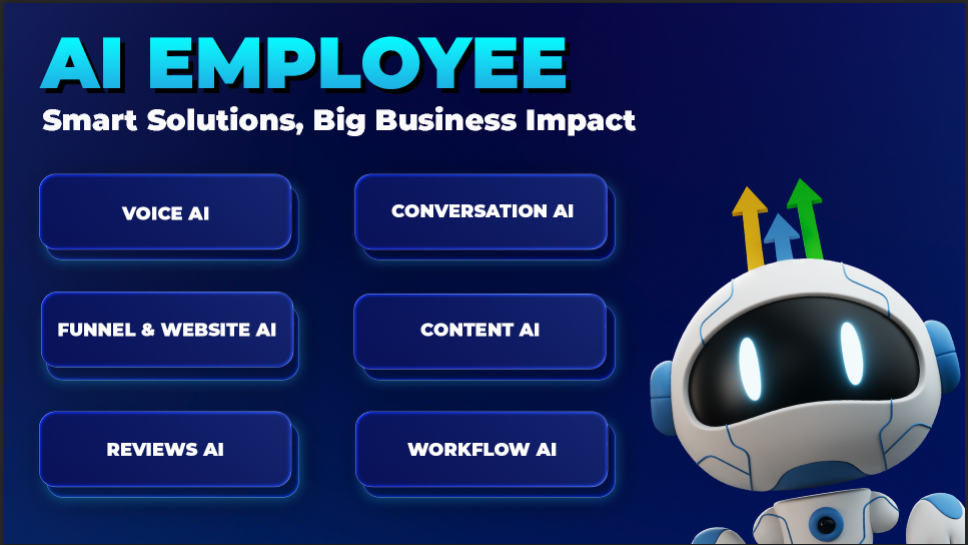
The AI Employee is a feature suite that includes Voice AI (AI Agents), Conversation AI, Reviews AI, Funnel & Website AI, and Content AI. It is designed to minimize manual workloads, enhance client communication, and assist businesses in scaling by automating crucial interactions.
Enabling AI Employees for your Agency and Sub-accounts
To activate the 'AI Employee' for your agency, simply enable the AI employee toggle in the 'Company' tab of your Agency Settings.
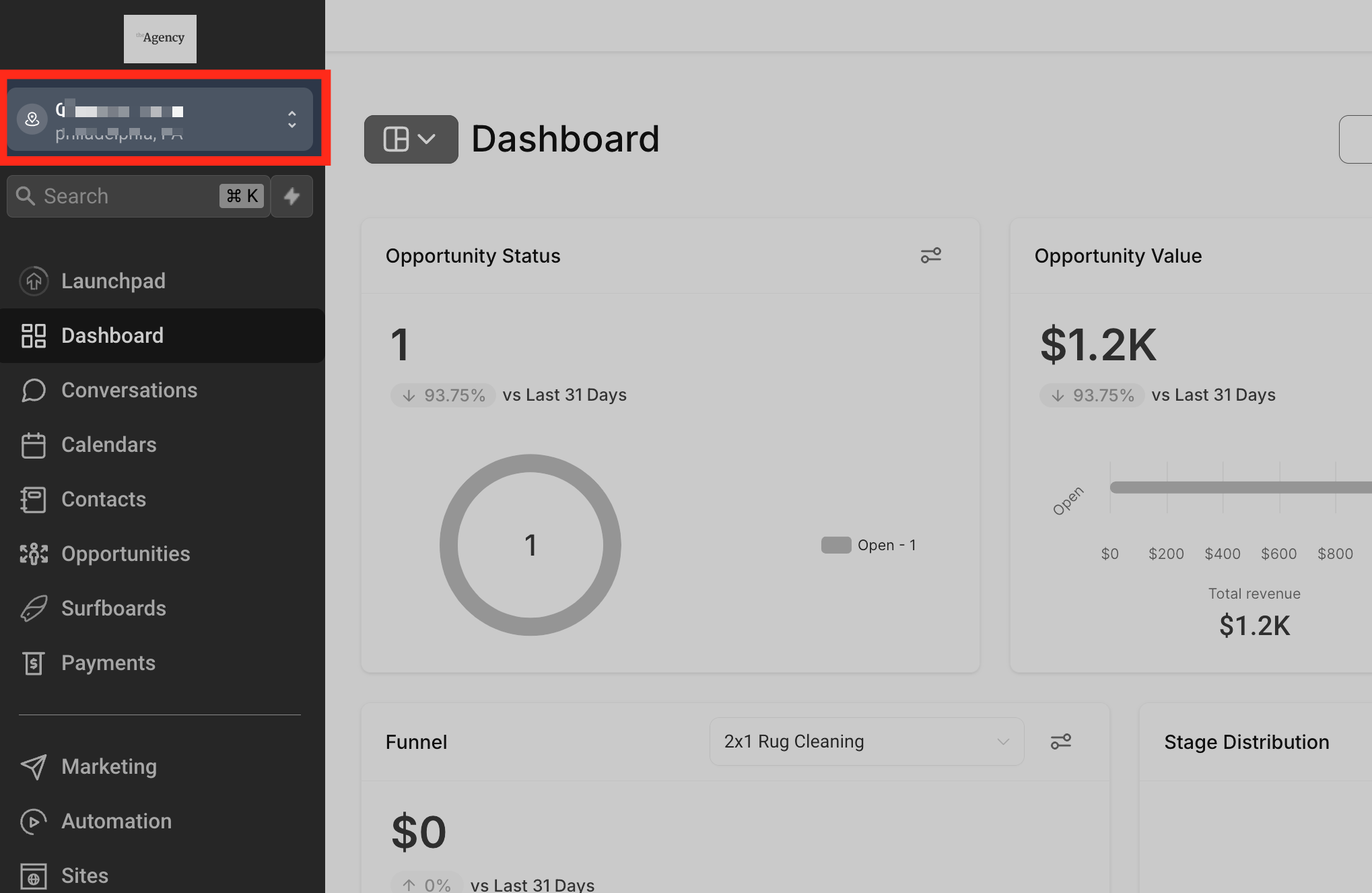
Click the agency switcher tab at the top left of the sidebar.
 _blank
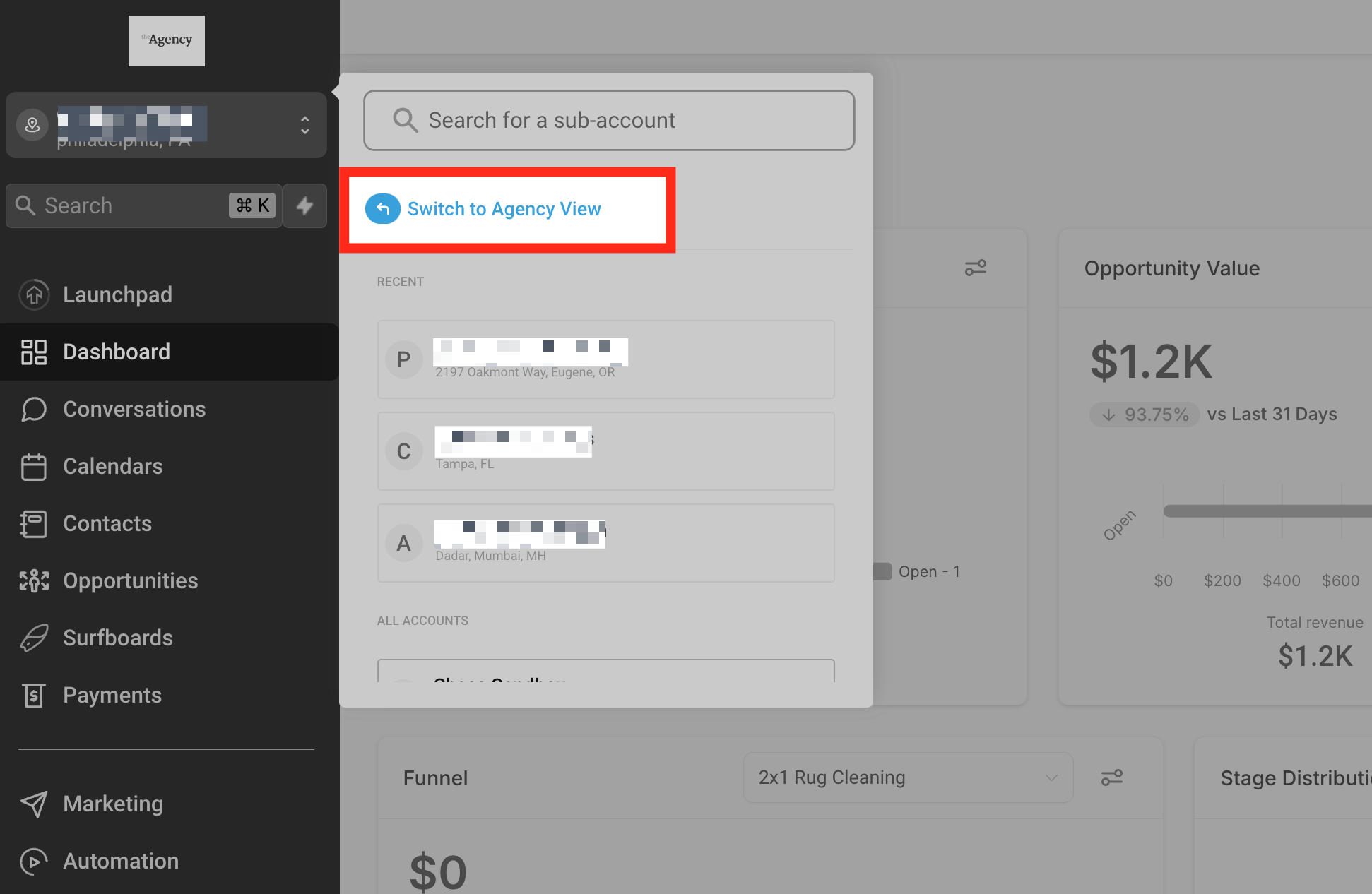
Click the 'Switch to Agency View' tab.
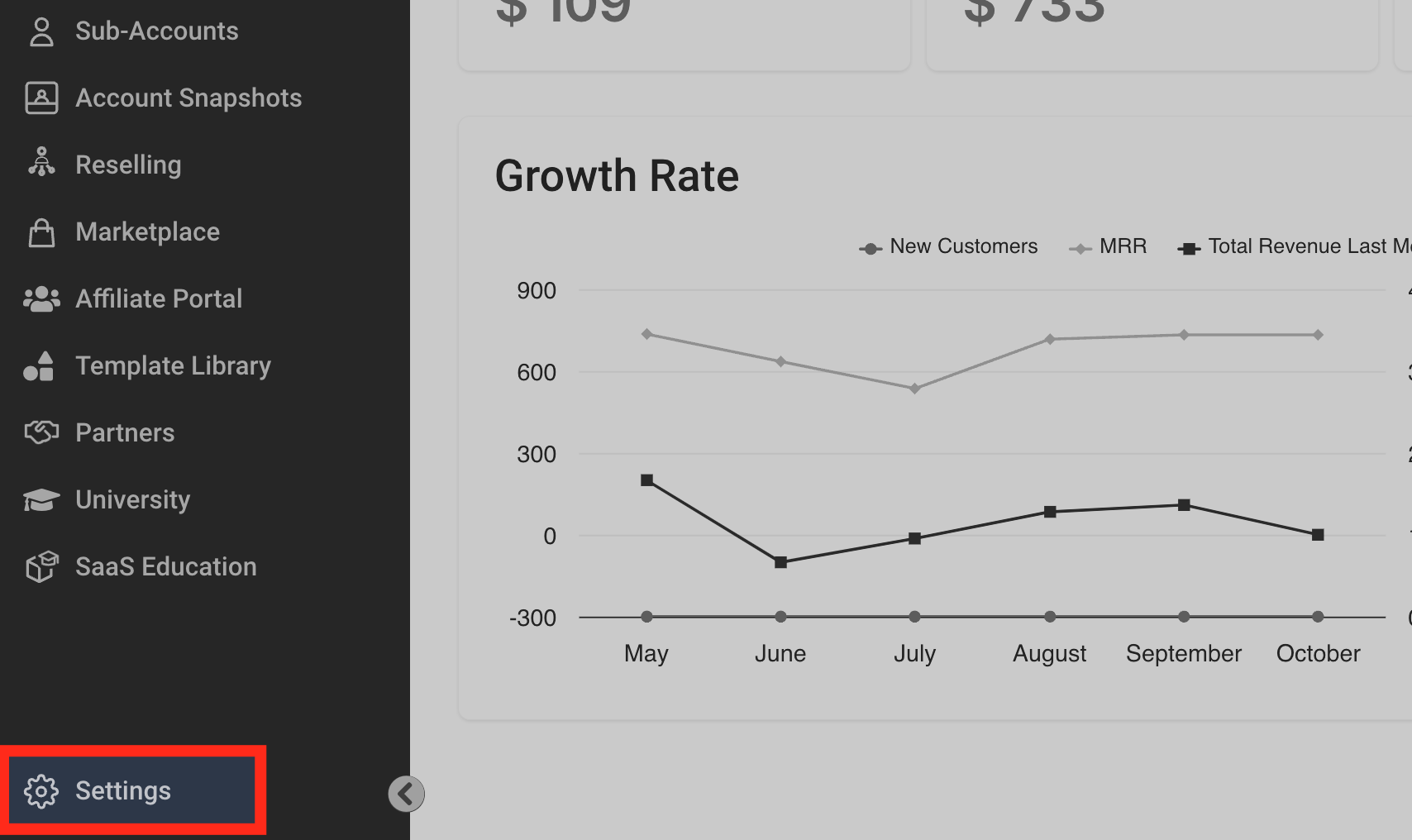
Find the 'Settings' tab at the bottom left corner of the sidebar.
Select the 'Company' tab to access the company menu. Once there, scroll down until you locate the 'AI Employee' feature and enable it using the toggle.

You have now enabled the AI Employee. You can proceed to customize the offering for individual sub-accounts based on your clients' usage and needs.
Granting or Limiting Access to the 'AI Employee' Feature
Let's review how to manage access to the 'AI Employee' feature for your Sub-accounts.
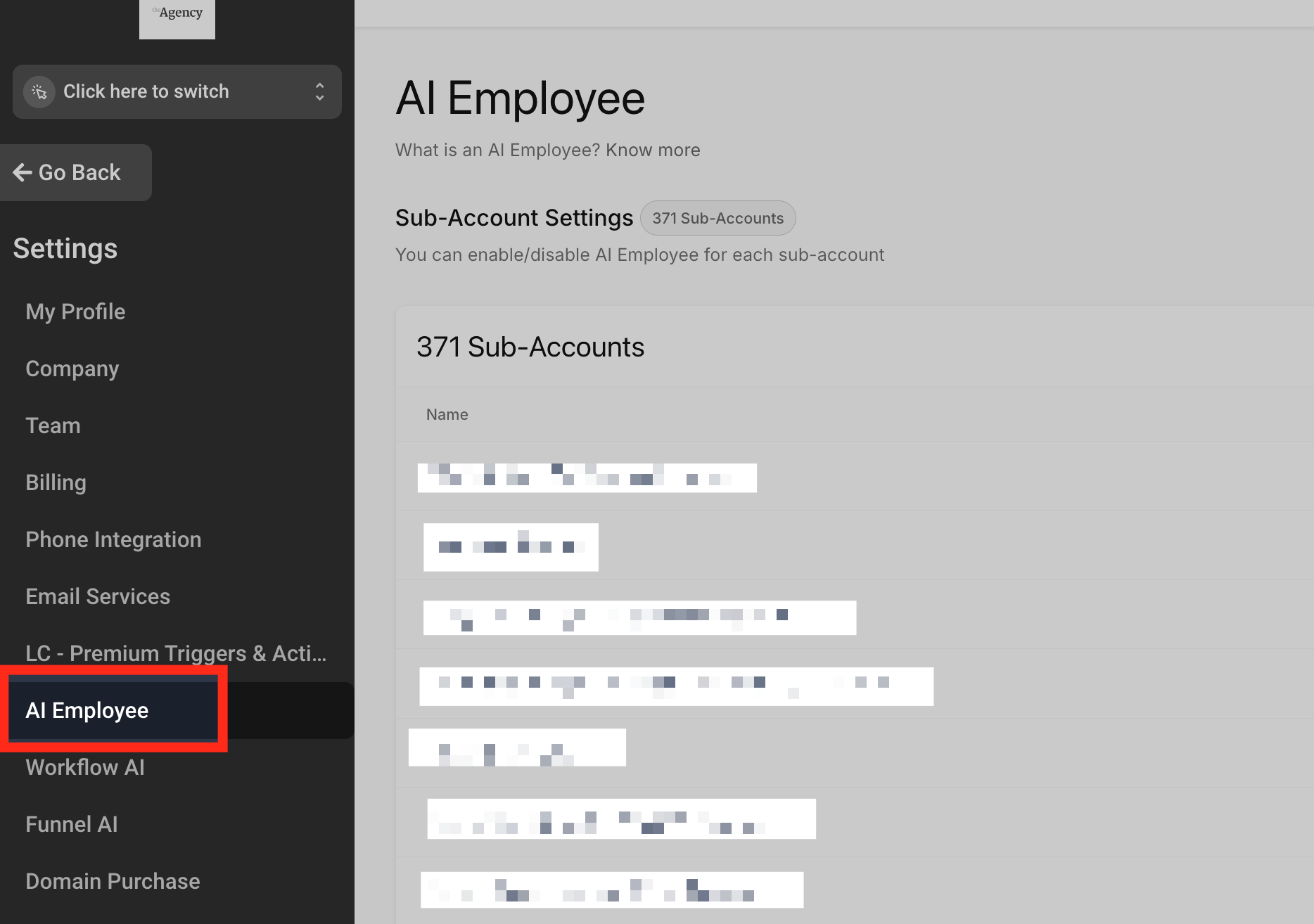
To find the 'AI Employee' option, you must access agency settings. If you are currently in a sub-account, you will first need to 'Switch to Agency View.' Then, click the 'Settings' tab at the bottom left corner and scroll down to the 'AI Employee' option.
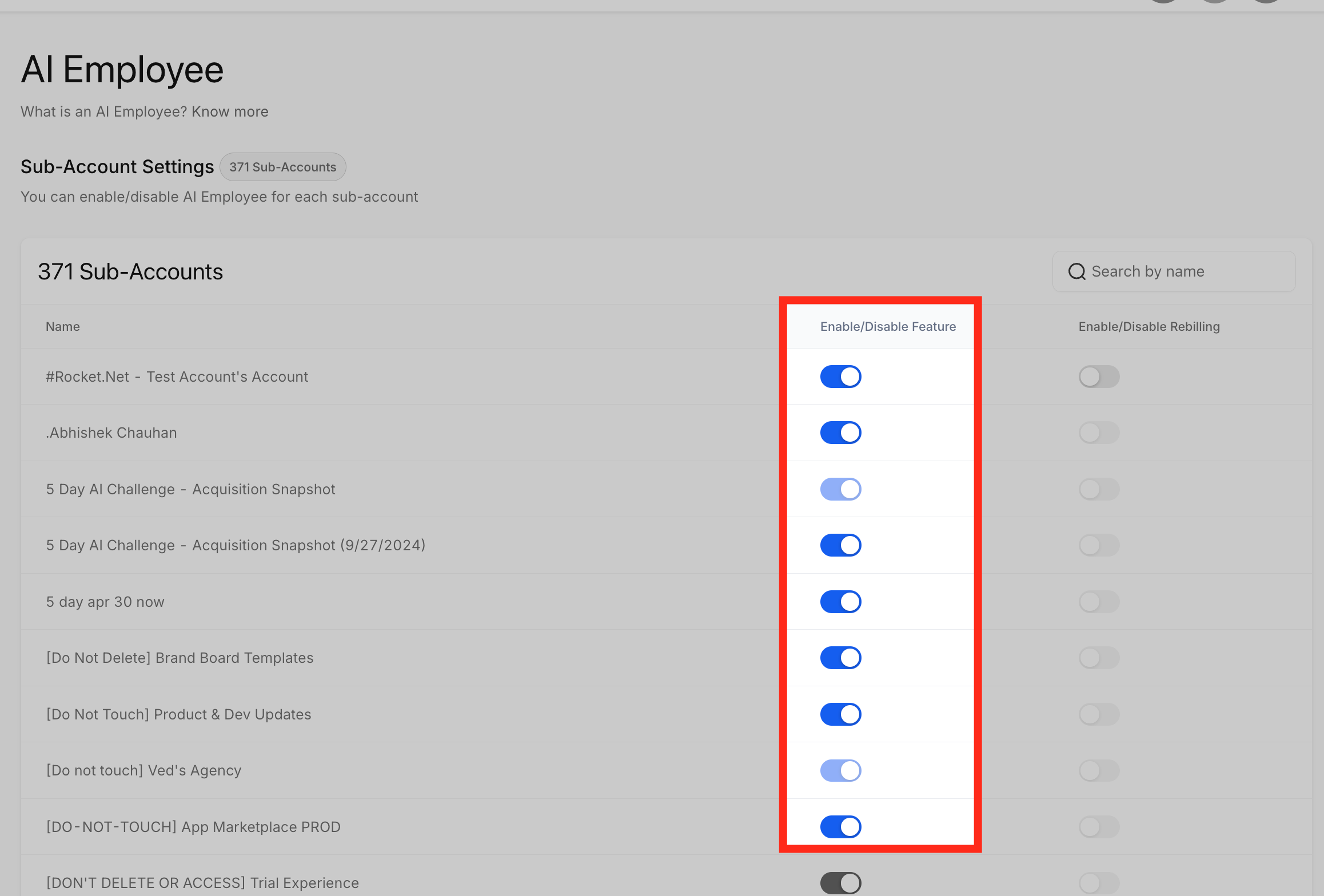
Here, you can see a list of your sub-accounts. A toggle button next to each sub-account allows you to enable or disable the 'AI Employee' option for each one individually.
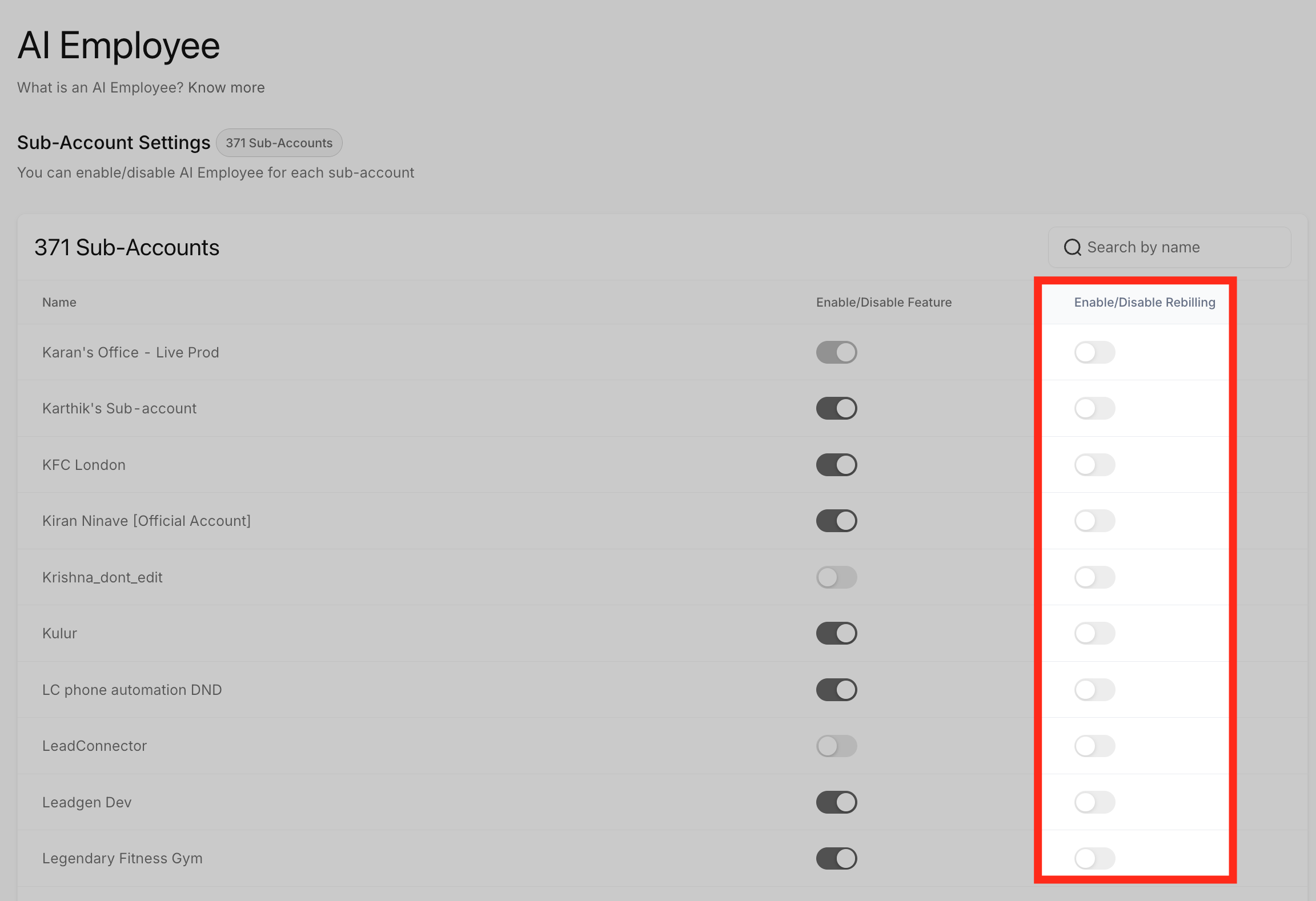
You can also enable or disable rebilling for each sub-account and set the rebilling amount. Enabling the toggle will open a page where you can set the rebilling amount.
Here you can set the Rebill amount by moving the pointer. This allows you to set a markup on the cost that your customer will be charged.
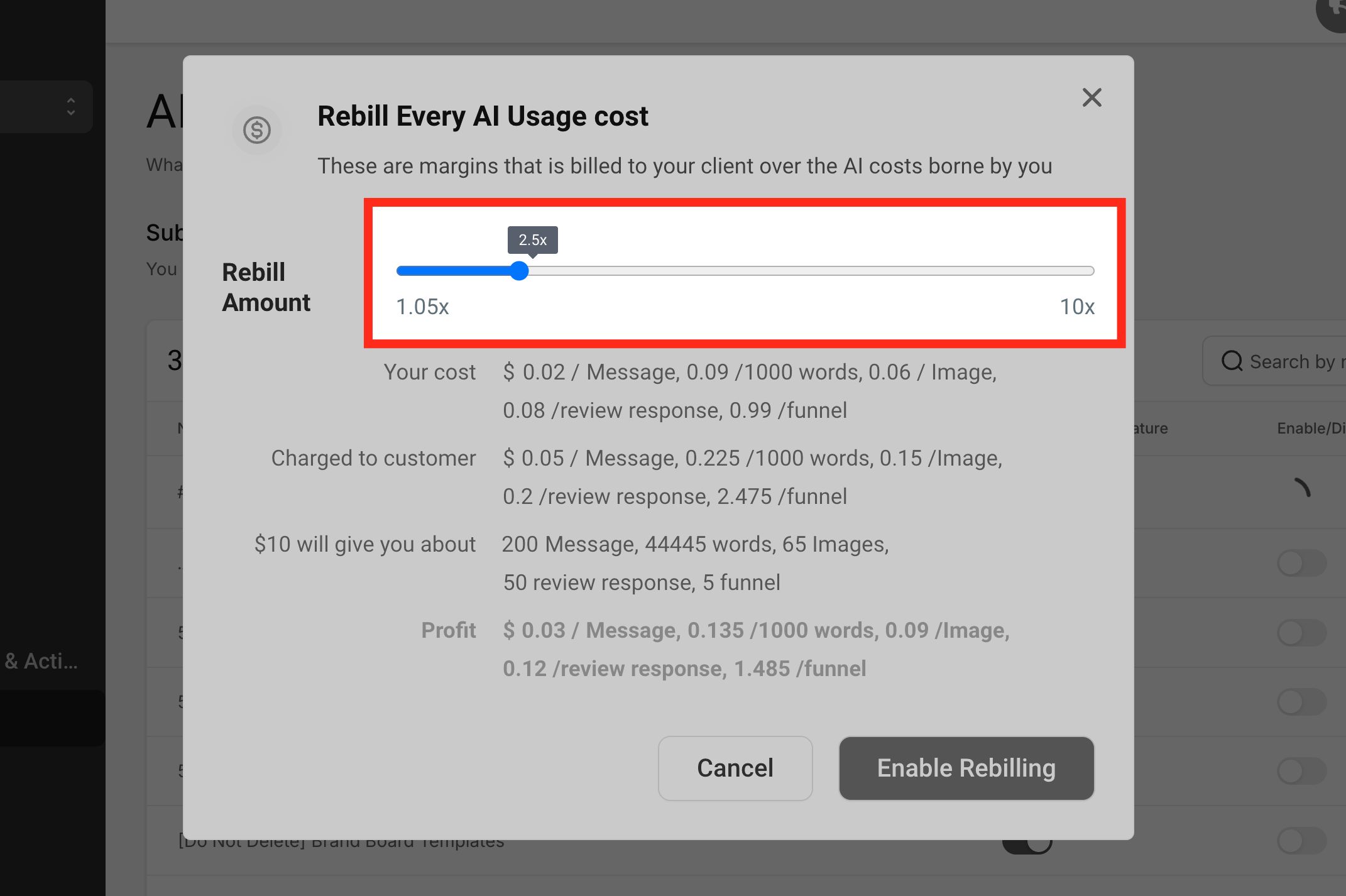
After setting your desired markup, save your rebilling amount by clicking the 'Enable Rebilling' button.

Frequently Asked Questions
Q: What is the AI Employee in Metanow CRM?
The AI Employee is a suite of powerful AI tools designed to help businesses automate and streamline their operations. It includes features such as Voice AI, Conversation AI, Reviews AI, Funnel & Website AI, and Content AI.
Q: How is the AI Employee priced?
You can choose a pay-per-usage model or opt for an unlimited plan per sub-account, which provides access to all AI Employee tools without individual usage charges.
Q: Does the AI Employee cover phone or SMS charges?
No, phone and SMS charges are billed separately through your configured telephony provider.
Q: Can I control which sub-accounts have access to the AI Employee?
Yes, you have full control to enable or disable the AI Employee for each sub-account individually through your Agency Settings.
Q: Is it possible to rebill clients for AI Employee usage?
Absolutely. You can establish custom rebilling rates for each sub-account, enabling you to monetize the AI tools as a component of your service offerings.
