
Automating Customer Engagement with the Fast 5 Recipe in Metanow CRM
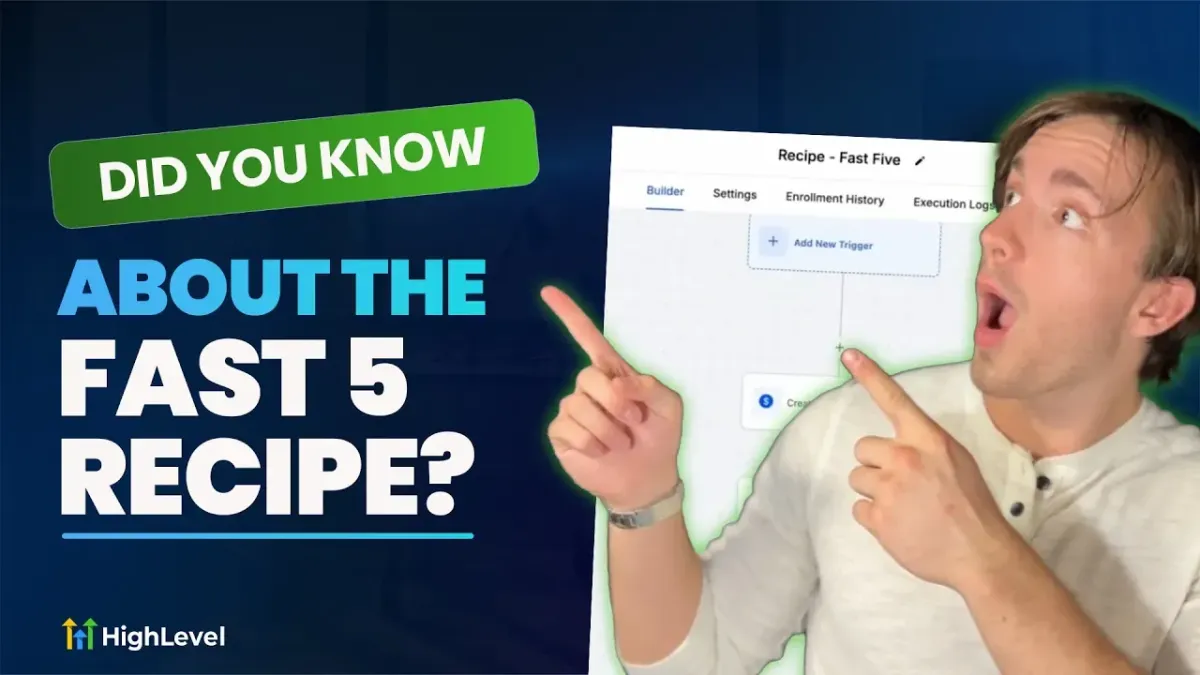
Automate Customer Engagement with the Fast Five Recipe in Metanow CRM
Staying in touch with new leads immediately can significantly impact conversions. Metanow CRM's Fast Five workflow recipe simplifies this by automating five quick points of contact as soon as a lead opts into your business.
How to Access the Fast Five Recipe
- Go to Automations in your sub-account.
- Select "Create a Workflow" and choose "Recipes".
- Scroll to "Fast Five" and select it.
What the Fast Five Workflow Does
This workflow is designed to engage leads instantly with a structured series of interactions.
- Confirmation Email: Confirms their opt-in and provides the next steps.
- SMS Follow-up: Sends a text message regarding their offer or booking.
- Reply Check: Waits for a response and then either sends a booking link or alerts your team.
- Call Connect: Automatically dials your team to connect with the lead.
- Voicemail Drop: If the lead doesn't answer, a pre-recorded voicemail is sent.
Why Use It?
The Fast Five is an excellent option if you are new to workflows or want an effective solution without a lengthy setup process. It ensures every new lead receives multiple touchpoints immediately, increasing the chances of engagement and conversion.
If you have not used workflow recipes before, this is a simple one to start with. Give it a try and see how it helps automate your lead follow-up process.
